Features

Every feature, on every screen

The Wave apps are real apps, built for each device: a glance on your wrist, a full read on your phone, the calendar spread out on an iPad, and the same publication on any computer. Every screen on this page is the real app.

Free on iPhone, iPad, Apple Watch and Android. No subscription, and no account needed to read.

The front page

The day in your region, at the top

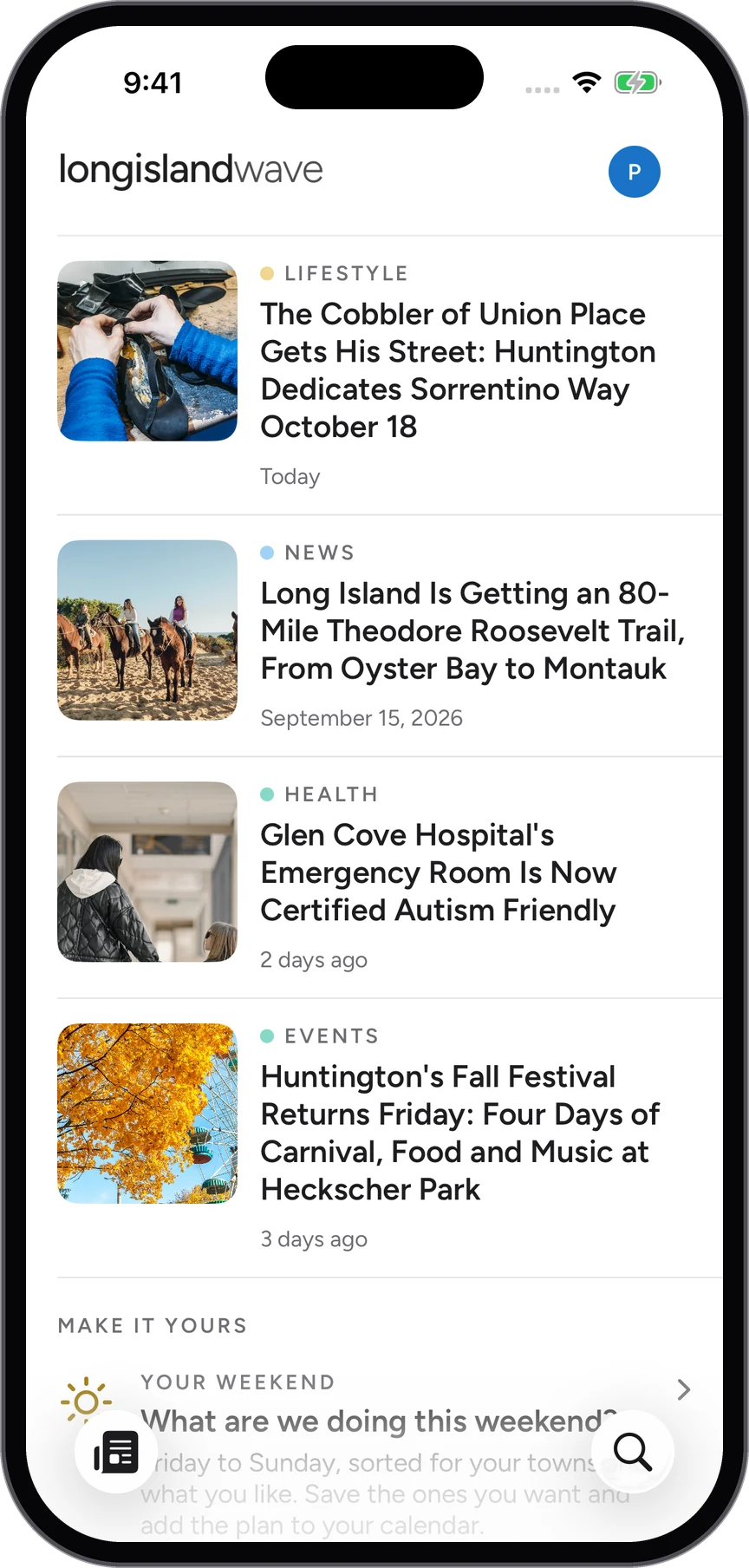
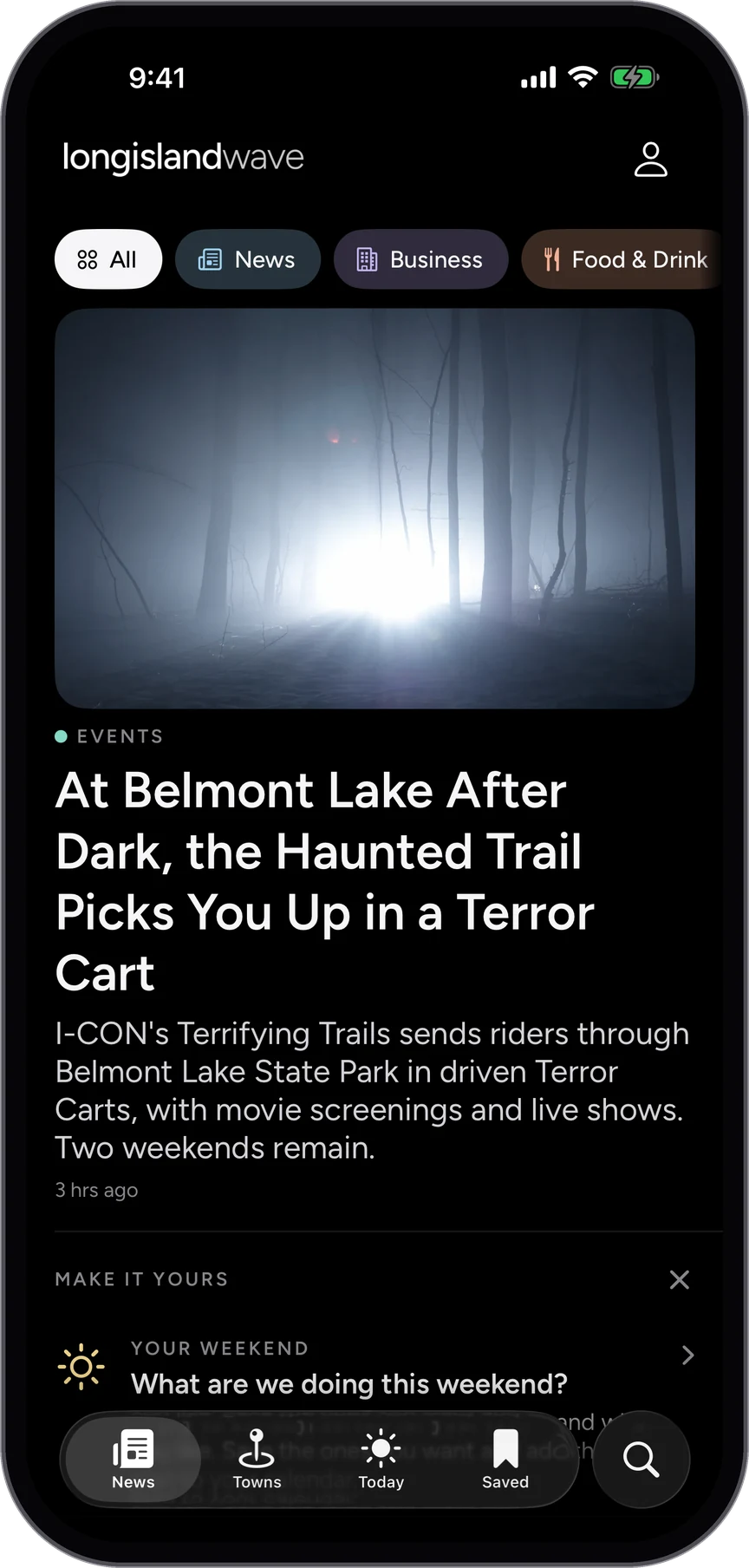
Open the app and the publication is leading with what matters today: the lead story large, then the rest of the day in order, with a row of sections across the top to narrow it to news, business, food and drink, health or lifestyle.

  • Fresh stories every day, from the towns themselves
  • Sections a tap away, no menus to dig through
  • One tap from the feed to the full story

Shown on Long Island Wave. The same in every Wave app.
The front page of the Long Island Wave app: the lead story, then the day's headlines.
Stories

Made for reading, and for listening

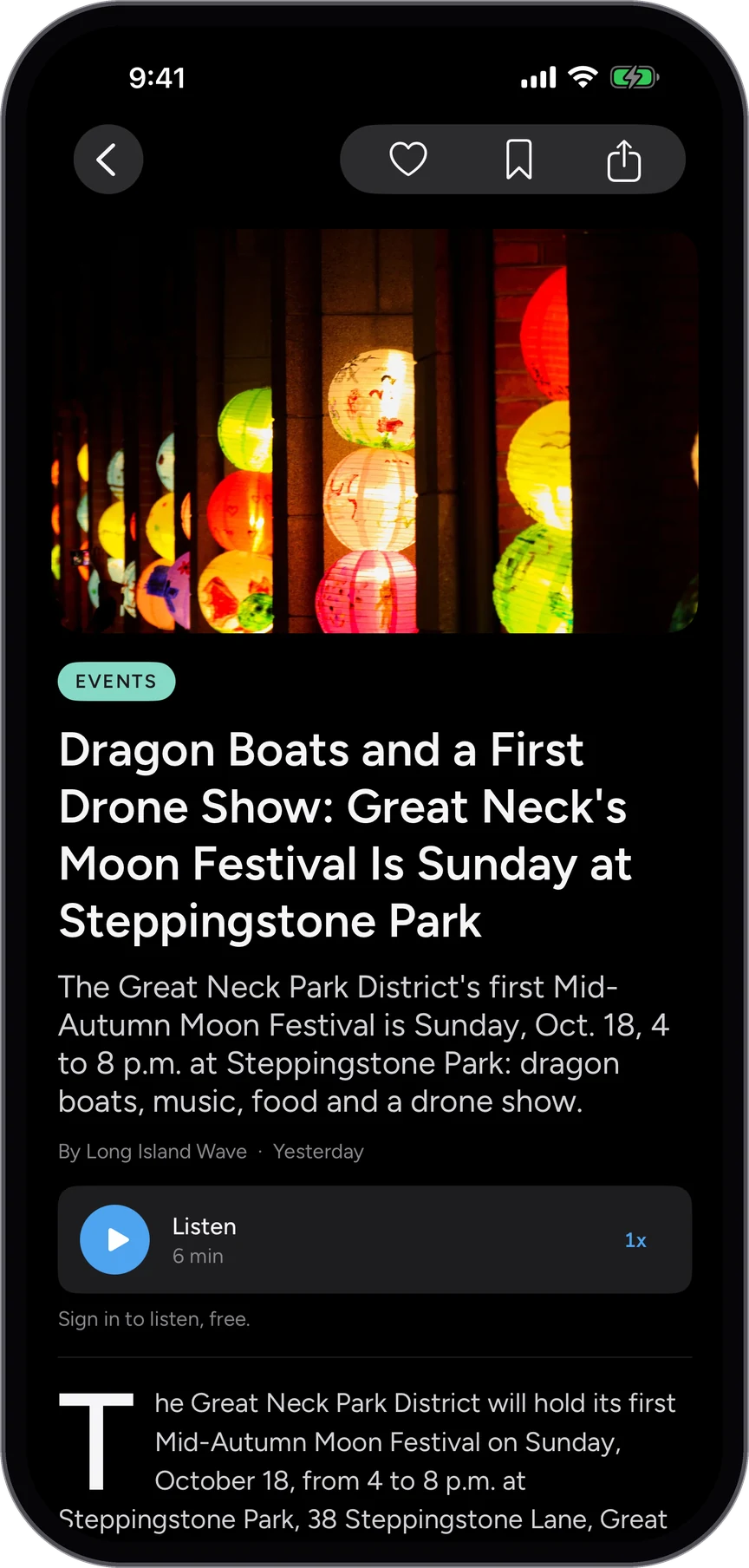
Every story opens in the publication's own type with its photograph, a drop cap and room to breathe. Press Listen and the story is read aloud, so it goes with you on the drive or the train.

  • Listen to any story, with a speed control
  • Save it for later, or share it in one tap
  • No pop-ups and no autoplay video

Shown on Long Island Wave. The same in every Wave app.
A story in the app, with the Listen player under the headline.
Events

What's on today, and this weekend

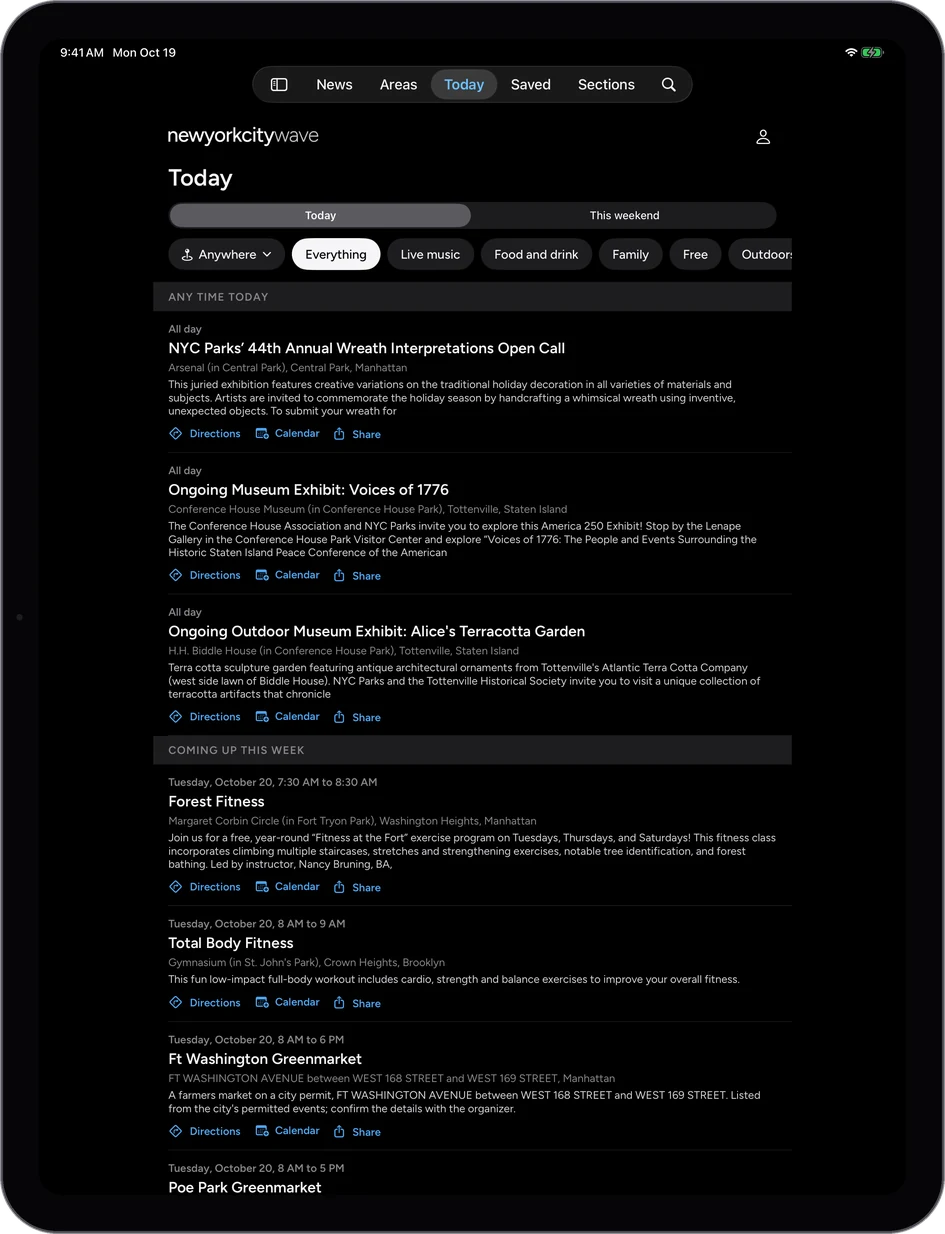
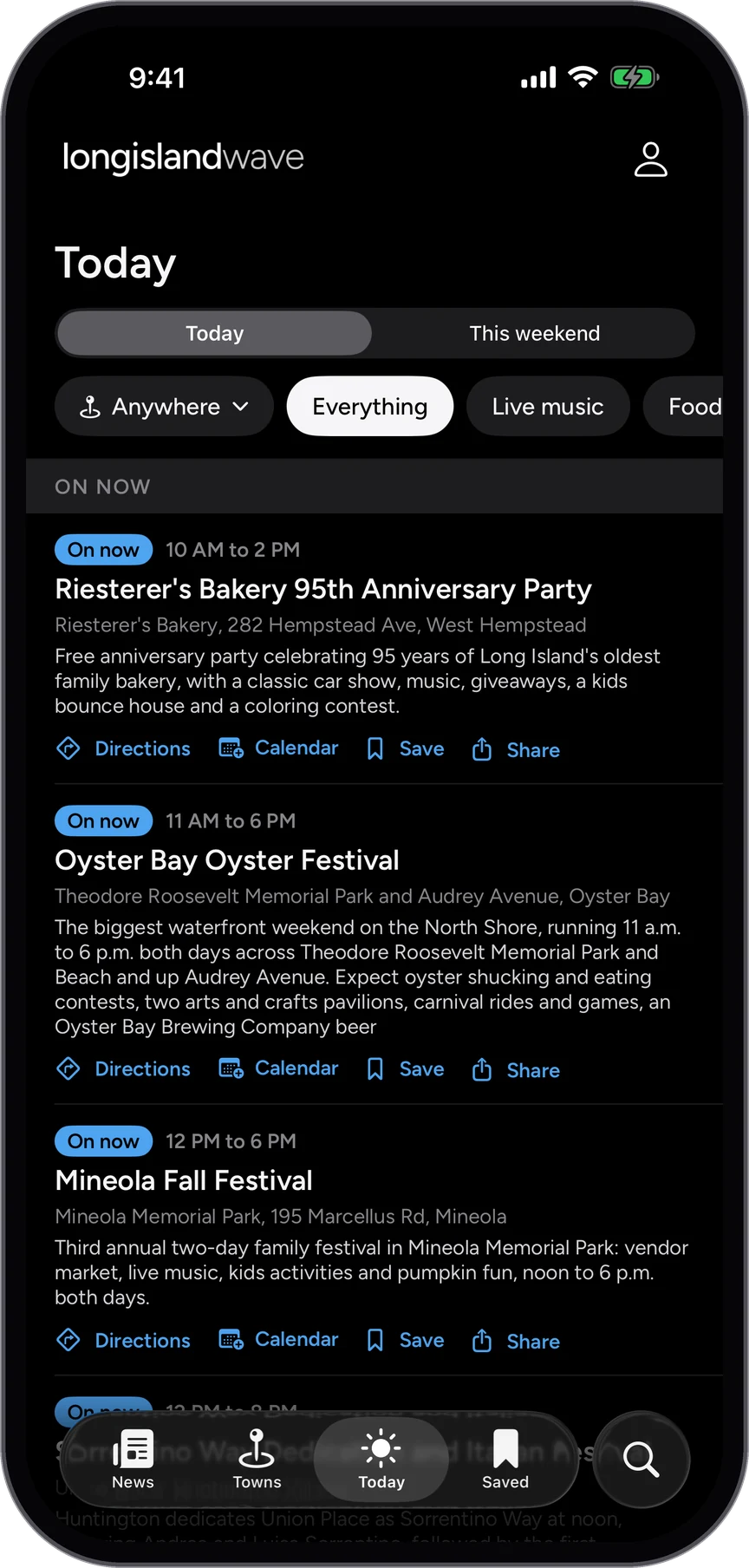
The events calendar for the whole region, sorted by day: what is on right now, tonight, and over the weekend. Each event has the date, the time and the address, with directions, the organizer's page and a button to put it in your own calendar.

  • Today and this weekend, side by side
  • Filter by town and by what you like
  • Directions and Add to Calendar on every event

Shown on Long Island Wave. The same in every Wave app.
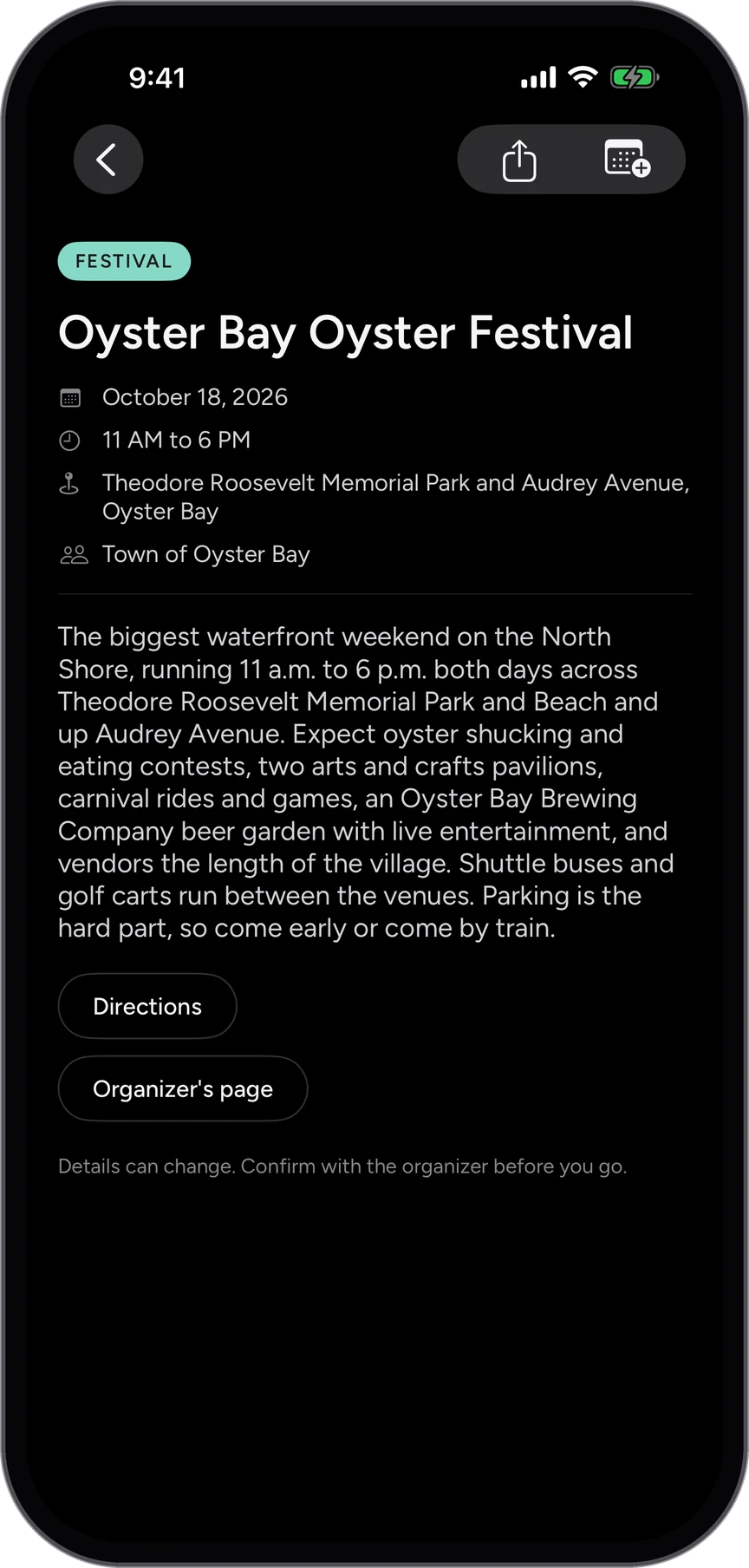
The events calendar for today, grouped by time.An event: date, time, address, directions and the organizer's page.
Your Weekend

A weekend plan, picked for you

Tell the app where you will be and what you are into, and Your Weekend picks from every event on the calendar for Friday to Sunday. Save the ones you want and the plan is there when you need it.

  • Pick your towns and what you like, once
  • A shortlist from the whole calendar, every week
  • Saved events in one plan

Shown on Long Island Wave. The same in every Wave app.
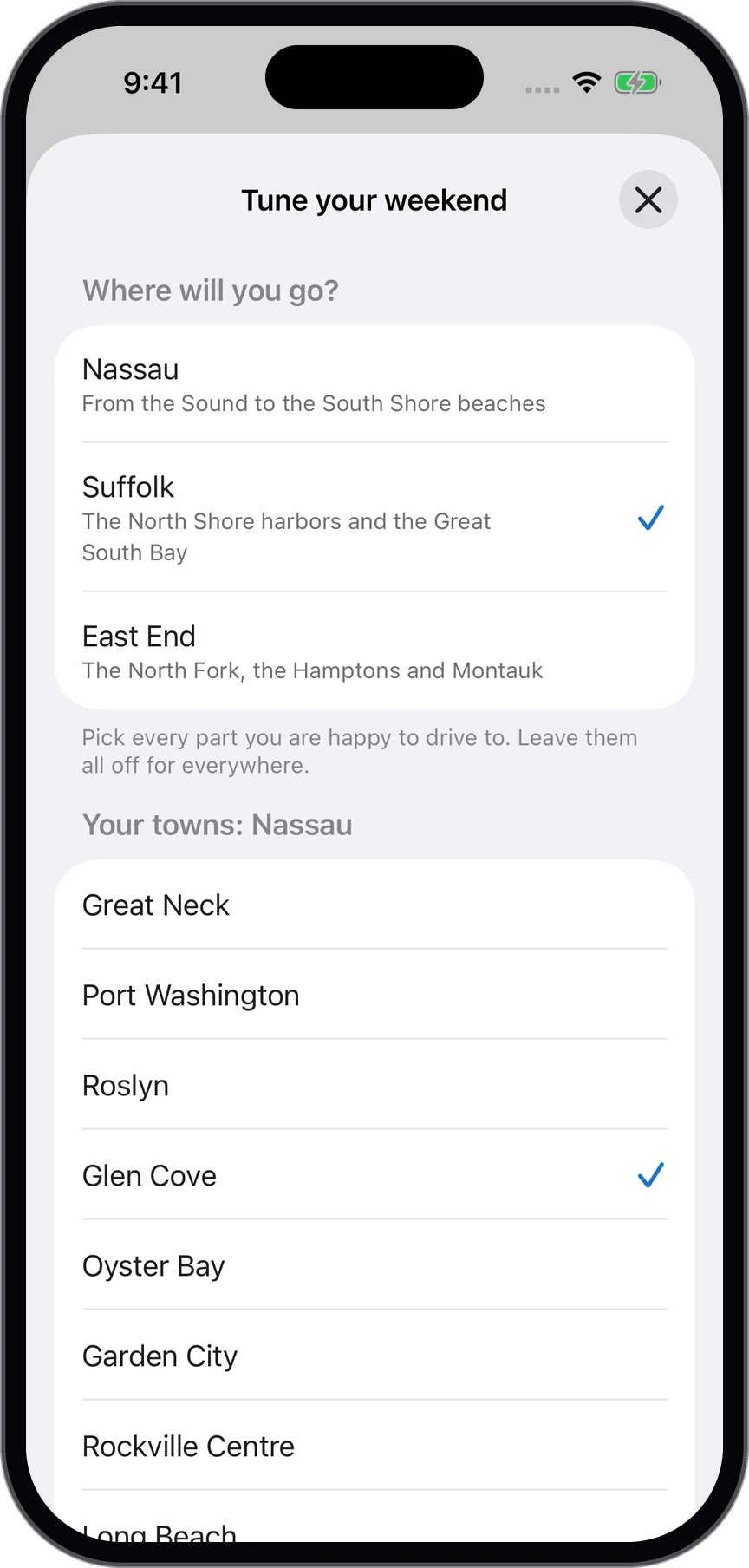
Tuning Your Weekend: choosing your area and towns.Your Weekend: the events picked for you, with a save button on each.
Towns

Every town, its own page

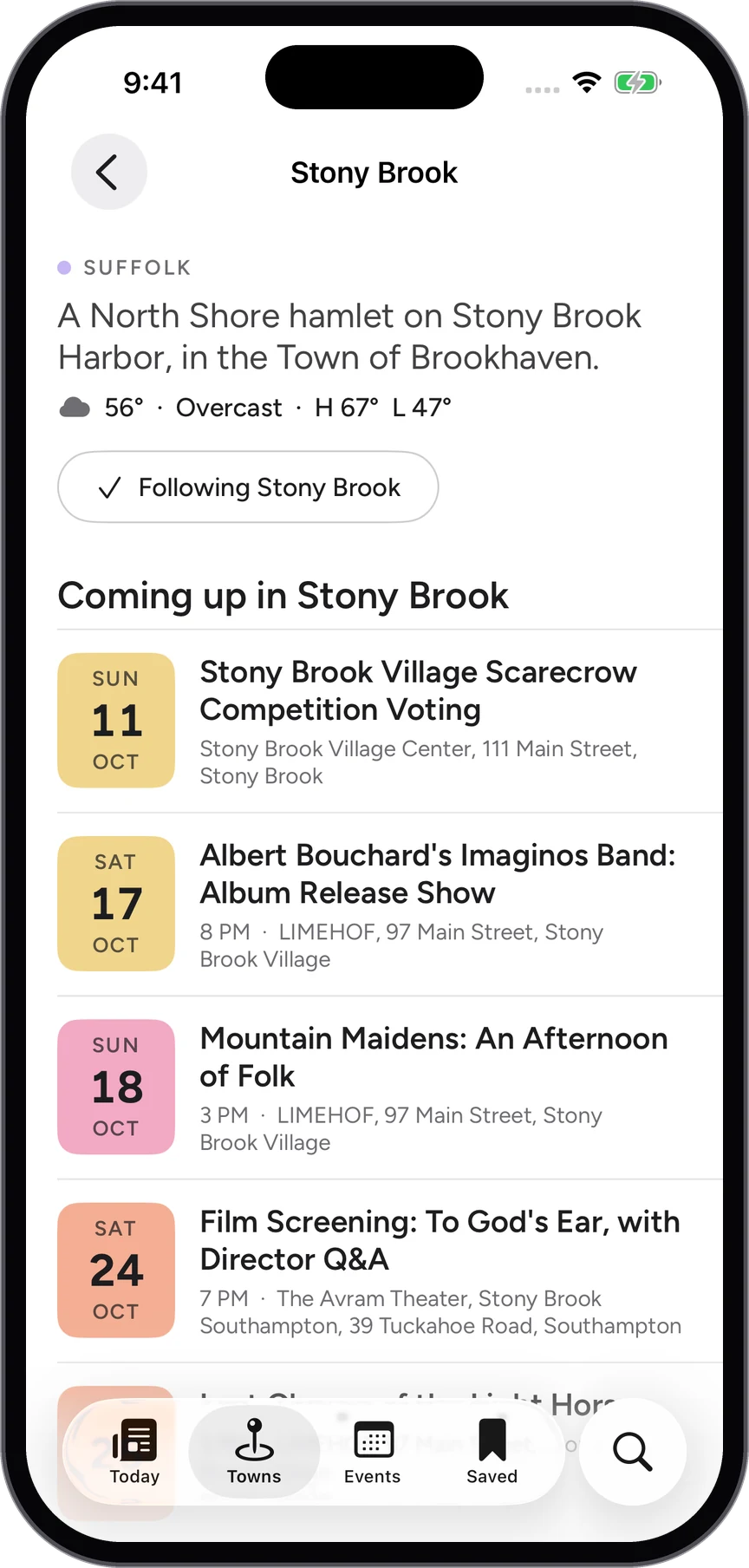
Each town has a page of its own: the weather, what is coming up there and the stories from it. Follow the towns you care about and the app leads with them.

  • Every town in the region, grouped by area
  • The forecast, the events and the stories for each
  • Follow a town and it comes first

Shown on Long Island Wave. The same in every Wave app.
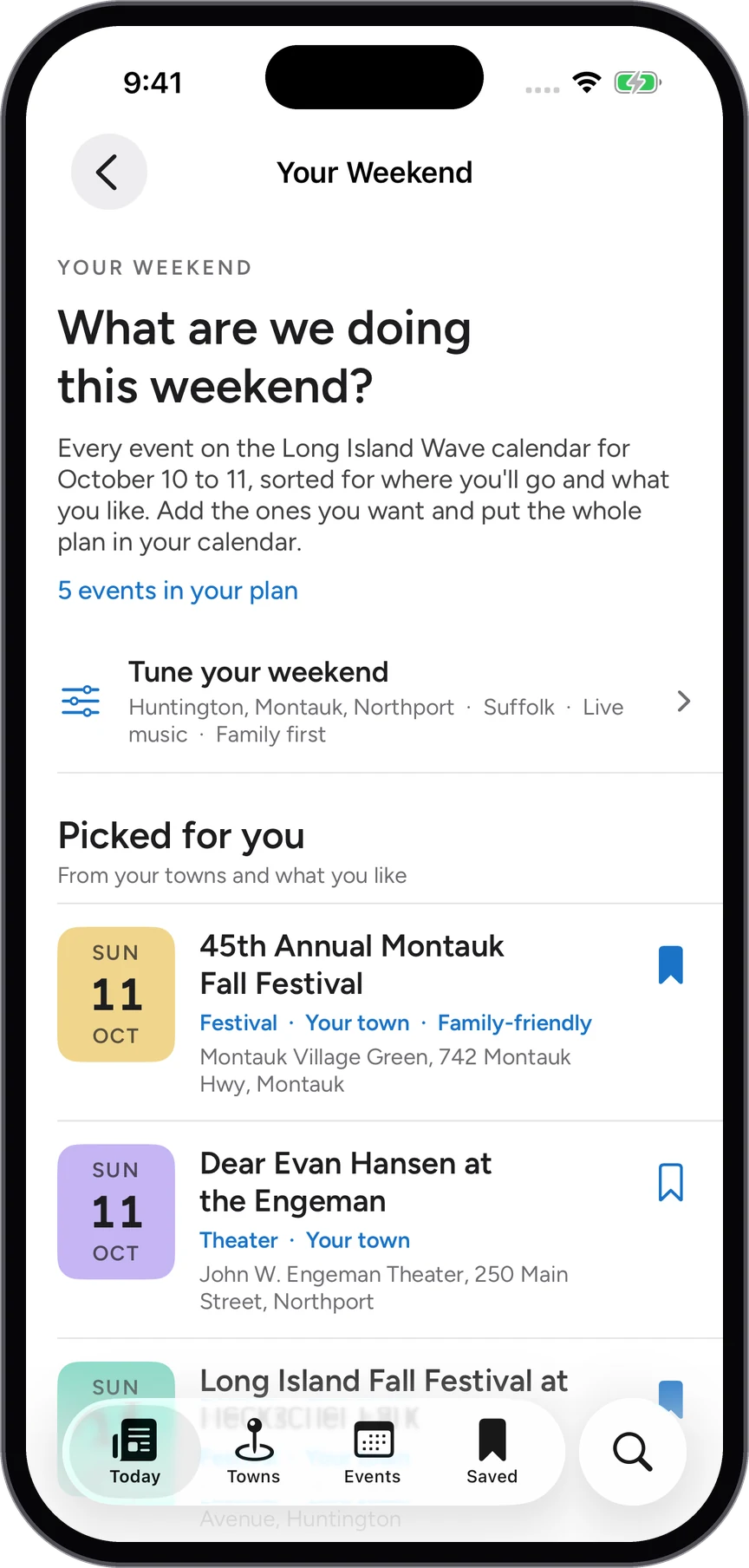
A town page: the weather, what is coming up and its stories.Following a town, with its events listed below.
Readers' Choice

The best of the region, picked by readers

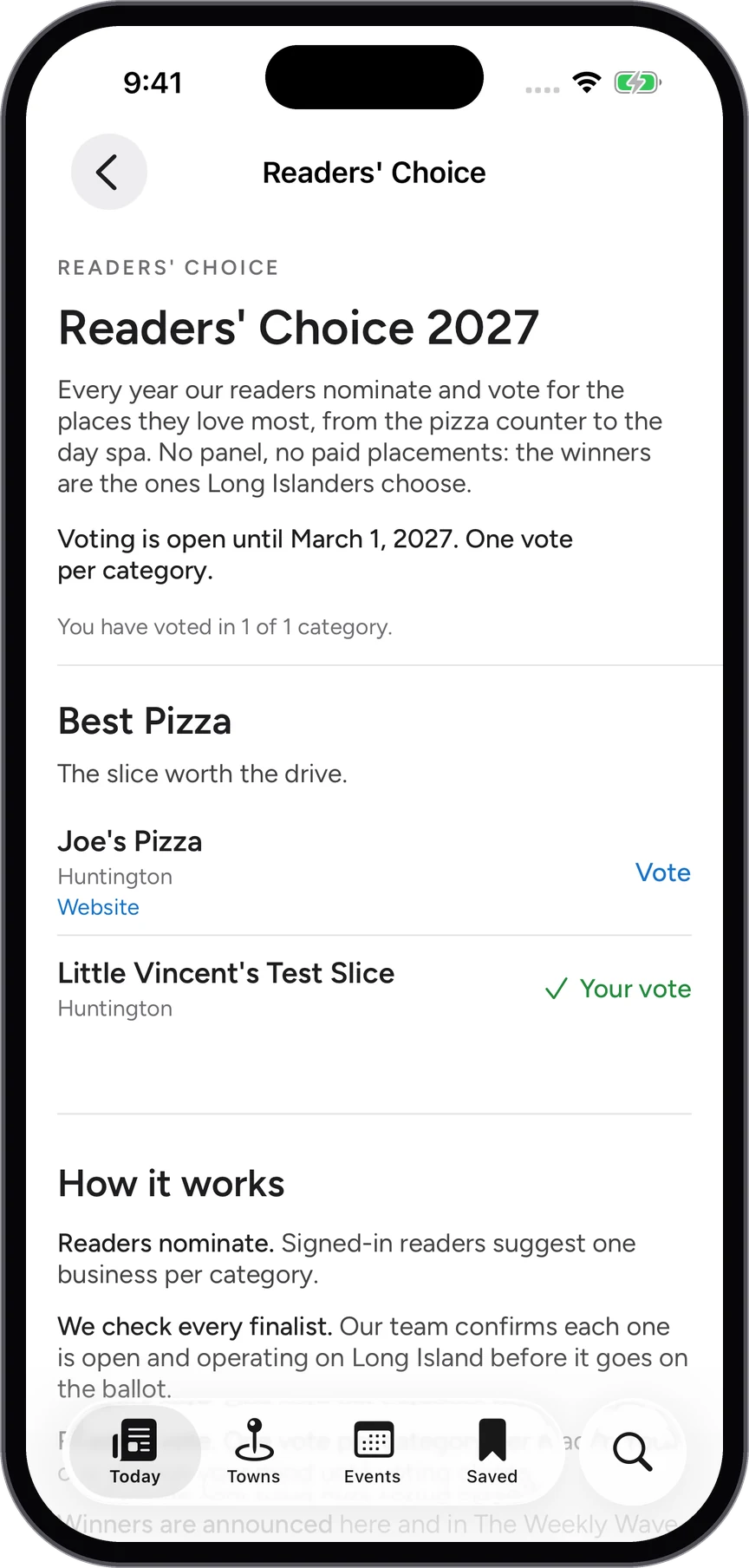
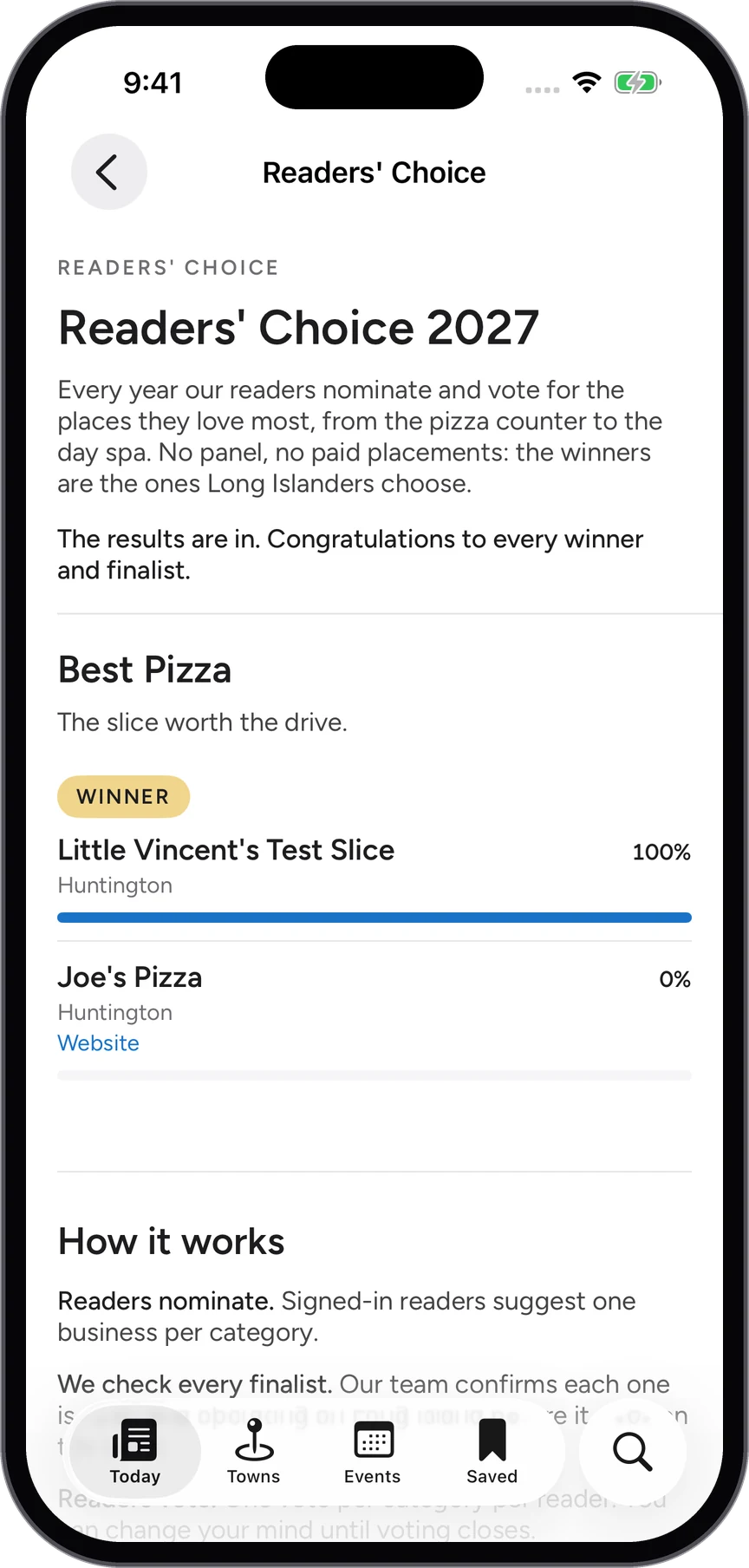
Once a year readers nominate their favorites and then vote, category by category, from the best pizza to the best bagel. The results are announced in the app, and every finalist is checked by the newsroom before it reaches the ballot.

  • Nominate the places you love
  • One vote per reader per category
  • Winners announced in the app and the newsletter

Shown on Long Island Wave. The same in every Wave app.
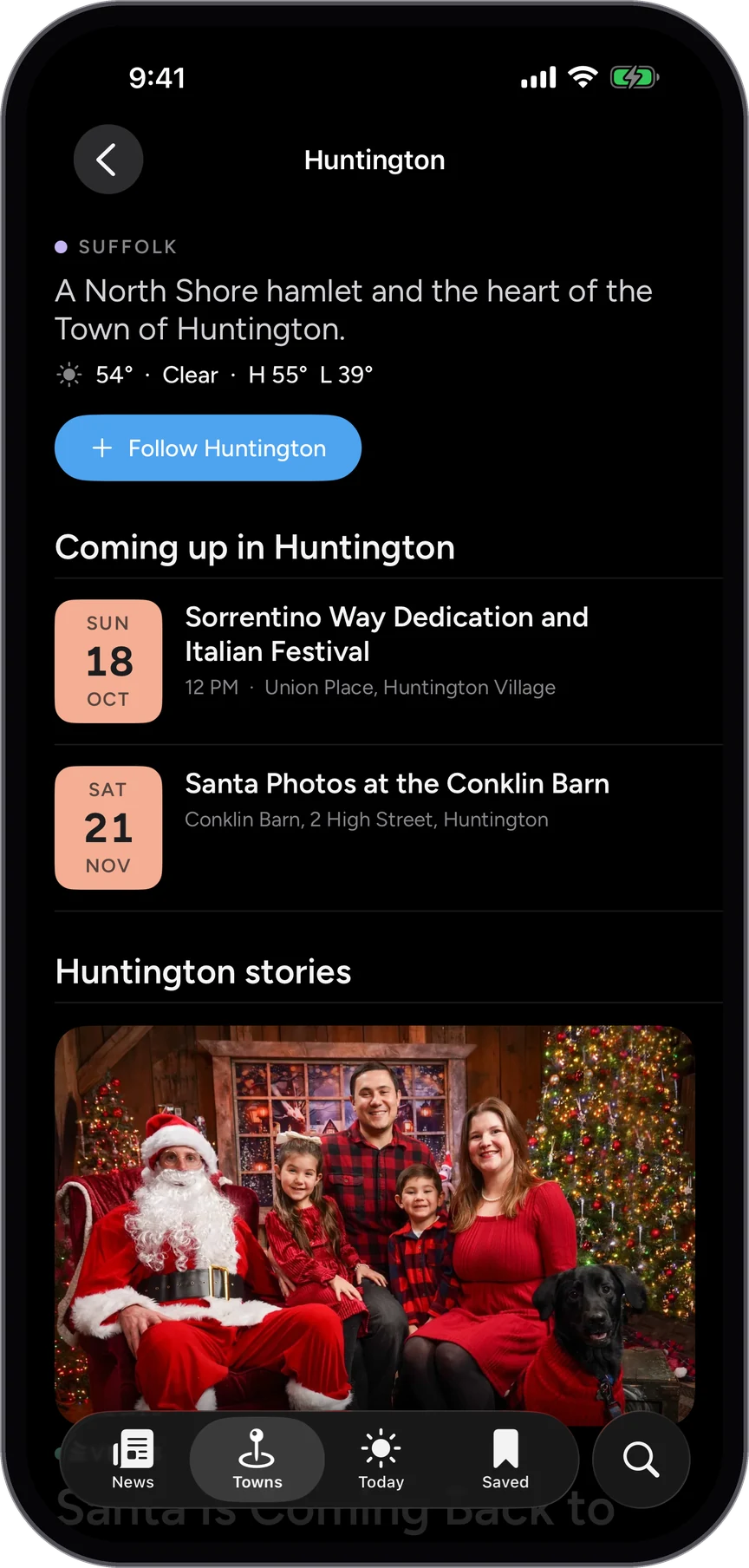
Readers' Choice voting: a category with its finalists and a vote button.Readers' Choice results with the winner marked.
Make it yours

Light or dark, and your text size

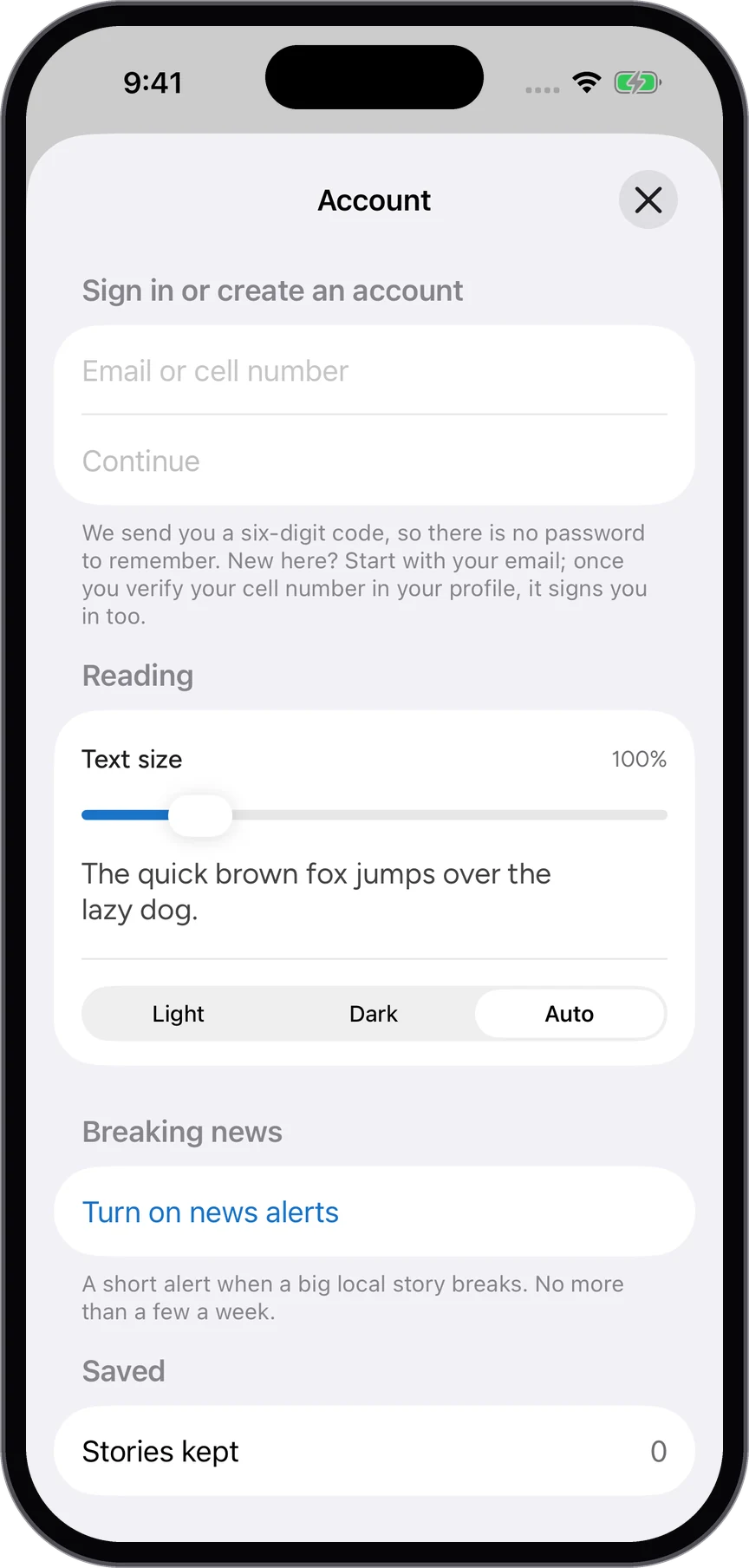
Read in light, in dark, or let the phone decide, and set the text to a size your eyes agree with. Turn on news alerts for the big local stories, and sign in with a six-digit code if you want what you save to follow you to your next phone.

  • Light, dark or automatic
  • Text size, previewed as you change it
  • No password: a code by email or text

Shown on Long Island Wave. The same in every Wave app.
The account sheet: text size, light or dark, and news alerts.The front page in the light theme.
iPad

The whole page, laid out for iPad

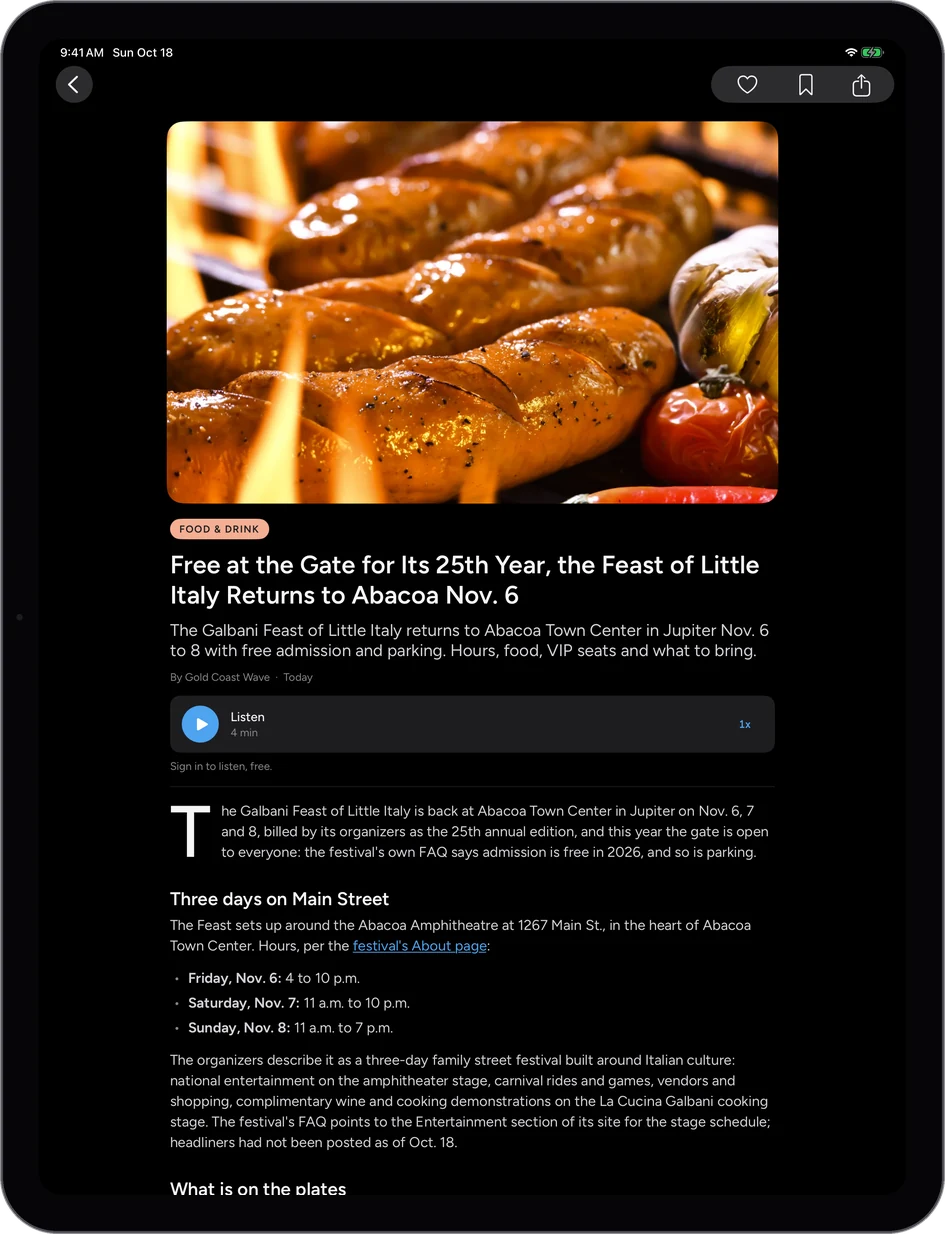
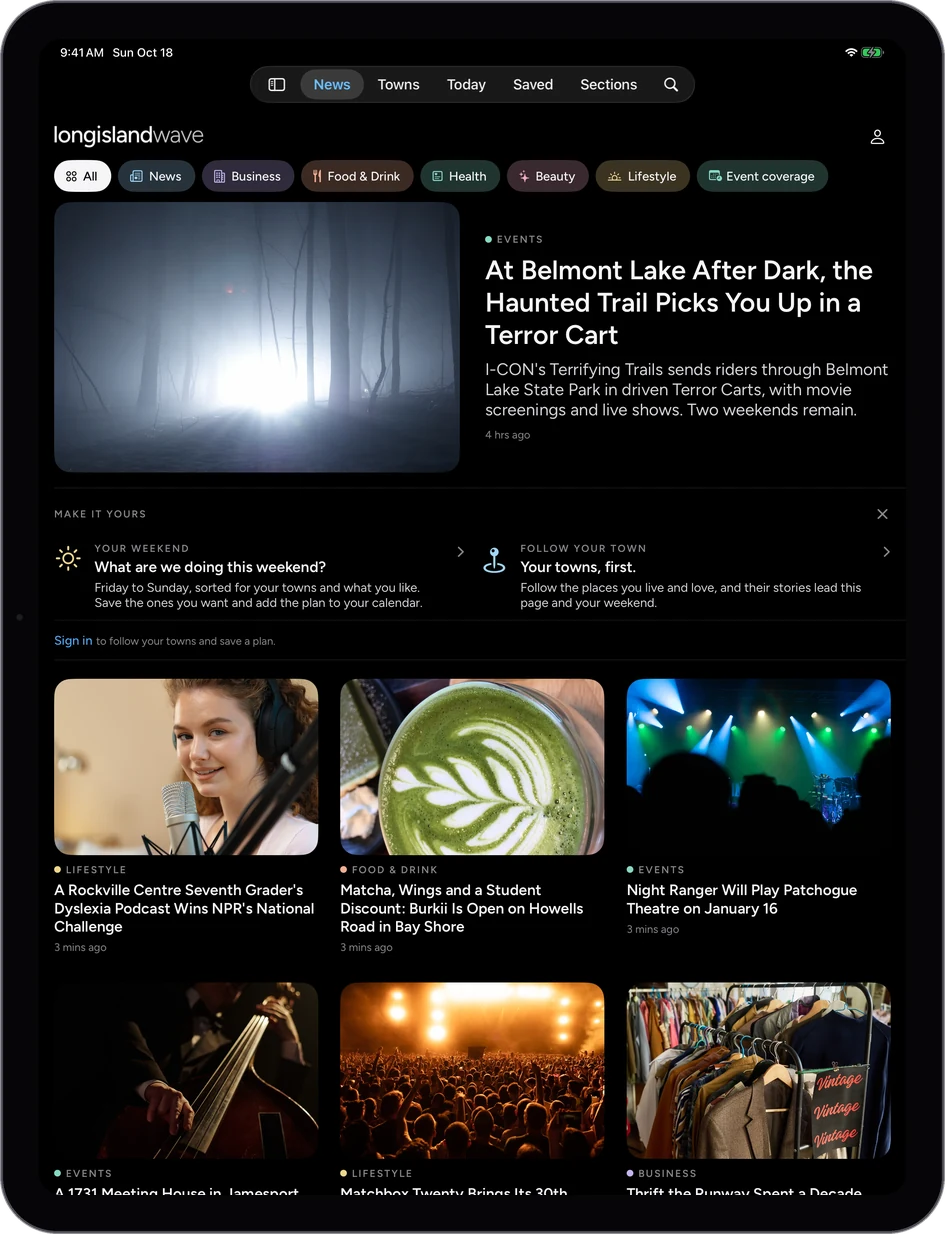
Every Wave is a full iPad app, not a phone app stretched to fit: the front page in columns, stories set wide with their photographs, and the calendar with room to see the day. The same account and the same saved stories as the phone.

Long Island Wave on iPad: the front page in columns.
Long Island Wave
Gold Coast Wave on iPad: a story set wide.
Gold Coast Wave
New York City Wave on iPad: the events for today.
New York City Wave
Apple Watch

The lead story, on your wrist

The Watch app opens on the story the publication is leading with, the same one on the front of the app and the website, with the next headlines below it. Pull down to refresh. Raise your iPhone and the story is waiting there to keep reading.

  • The featured story first, then the next headlines
  • Pull to refresh on the wrist
  • Handoff: continue the story on iPhone

Shown: each app's opening screen on Apple Watch.

Long Island Wave on Apple Watch.Gold Coast Wave on Apple Watch.New York City Wave on Apple Watch.
iPhone and Android

The same app, native on both

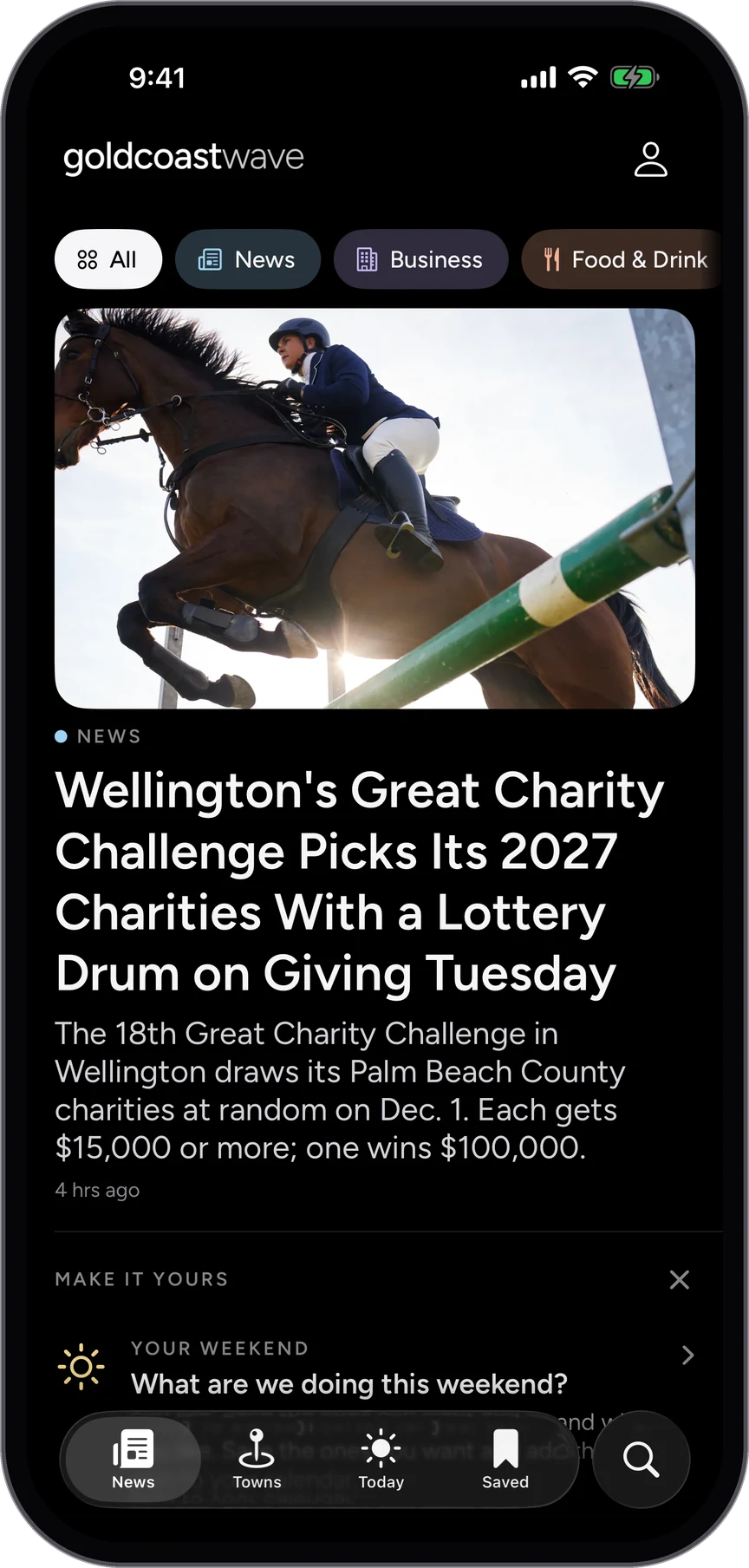
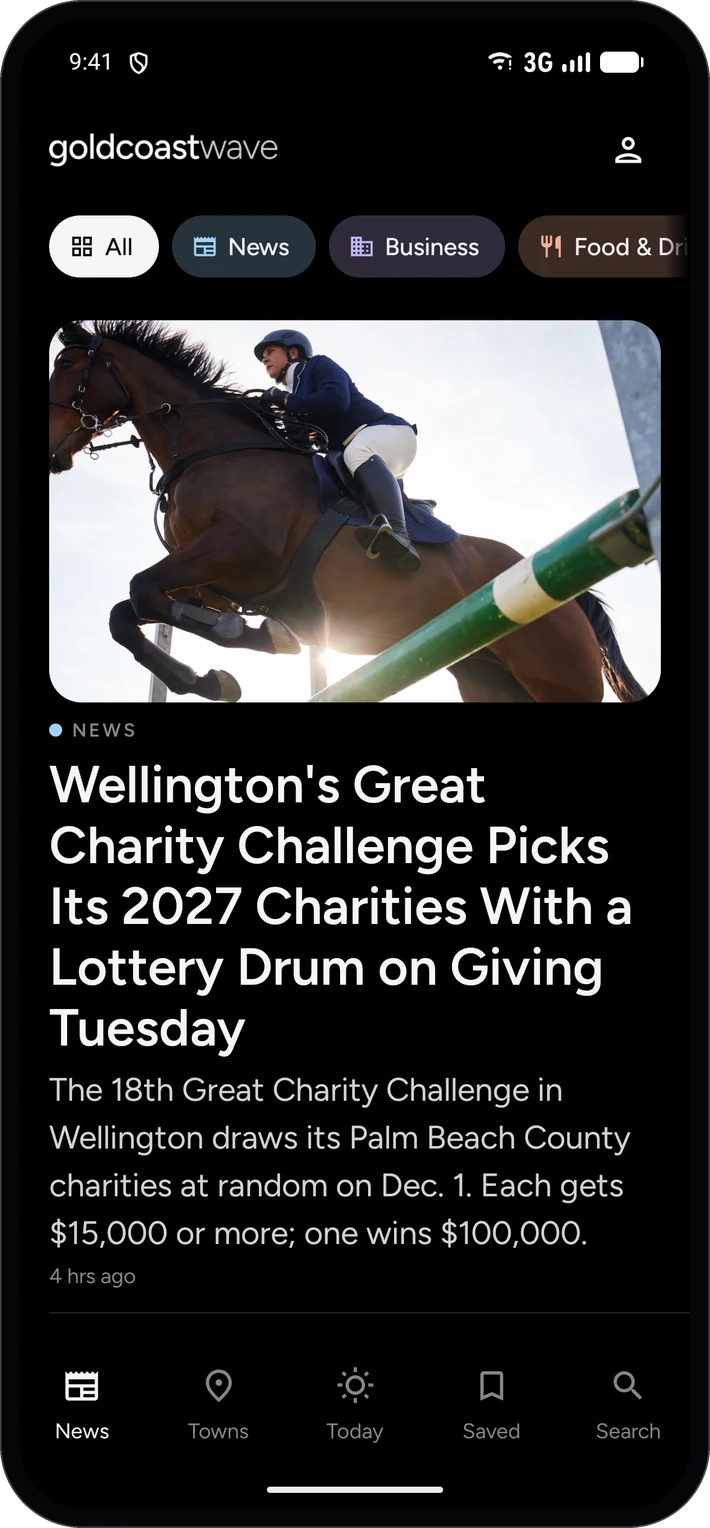
The Android app is built for Android, not wrapped: the same front page, stories, calendar, towns and Your Weekend, in Android's own way of moving around. Whichever phone you carry, it is the same publication.

  • The same features on both phones
  • Free on the App Store and Google Play
  • Sign in once and your saves follow you

Shown: Gold Coast Wave on iPhone and on Android.

Gold Coast Wave on iPhone.Gold Coast Wave on Android.
On the web

And on any computer

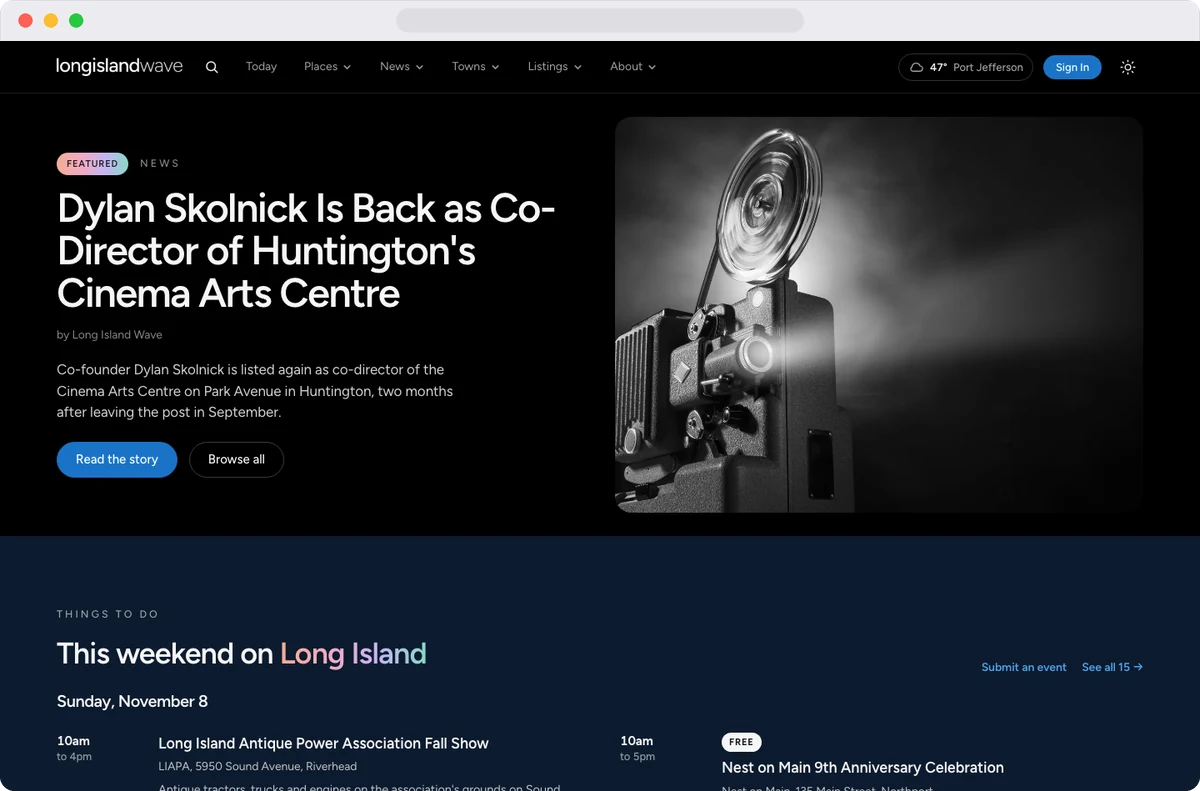
Every Wave is also a full website, with the same stories, the events calendar and the places directory, so a story shared from the app opens on any screen, and the newsroom's front page is one address away.

The Long Island Wave website on a desktop browser.
How it fits together

One publication, through the day

  1. Morning, on the wrist. The lead story on Apple Watch while the coffee brews.
  2. On the way, on the phone. Raise the iPhone and keep reading, or press Listen for the drive.
  3. Evening, on the iPad. Your Weekend and the calendar, spread out to plan Saturday.
  4. At the desk, on the web. Share a story and it opens for anyone, on any computer.